Make your Shopify store easier to navigate, understand and use. Review customer journeys, resolve accessibility barriers in your theme and give your team a practical plan for keeping future content usable.
Remove the barriers between discovery and purchase.
Shopify accessibility services help make everyday shopping tasks clearer and easier to complete. Review the theme patterns behind navigation, product choices and form feedback, then repair the components that affect customers across the store.
An accessible Shopify theme needs more than a visual refresh. Labels, focus order, readable content and responsive behavior should work together, with testing that covers open menus, unavailable variants and validation errors as well as the initial page.
What the review looks for
Navigation and dialogs: usable menu controls, a visible keyboard focus and a predictable return point when a drawer closes.
Product selection: meaningful option names, understandable unavailable states and clear feedback after adding an item.
Content and forms: logical headings, useful image descriptions, readable contrast and errors that explain how to recover.
A Shopify accessibility review connects technical findings to real shopping tasks. Can someone open the menu, understand a product option, correct a form error and use the cart without getting stuck? We review the agreed journeys, explain where barriers originate and turn the findings into an actionable remediation plan.
Who this service is for
Shopify and Shopify Plus merchants who want customers to navigate, compare products and complete purchases with fewer accessibility barriers. Useful for an existing theme, a recent redesign or a store with complex app widgets.
Start with the constraint that matters
Share your store URL, known access problems, priority templates and third-party apps. Include any previous assessment and the devices or assistive technologies your customers use, where known.
The review prioritizes barriers that prevent a task from being completed, then recurring issues in shared templates. Cosmetic preferences are recorded separately from accessibility findings.
Review navigation, collection filters, product options, forms and cart interactions across agreed templates. Combine automated checks with keyboard and screen reader testing, recording the environments and states reviewed.
Coverage includes representative desktop and mobile layouts, open menus, product states and form errors—not only the initial screen.
Prioritized remediation report
Receive reproducible issue descriptions, affected components and practical repair recommendations. Distinguish theme defects, merchant content and app-owned barriers so each item has a clear owner and next step.
Each finding records the affected URL or component, steps to reproduce the barrier, customer impact and the proposed owner.
Accessible Shopify theme components
Repair approved shared patterns such as menus, dialogs, accordions, variant selectors and form errors. Preserve merchant editing controls while improving semantics, focus management and understandable feedback.
Changes are reviewed in a theme preview before release, with the original buying behavior and merchant controls checked alongside the repair.
Retesting and merchant handover
Recheck repaired journeys on representative screen sizes and input methods. Receive a change log, remaining dependencies and guidance for maintaining headings, image descriptions and accessible content after release.
The handover separates resolved issues from remaining app dependencies and gives your team a repeatable checklist for future releases.
Decisions before development
Follow a purchase journey using the keyboard.
A practical planning example
A product-page review starts at navigation, reaches the variant selector, adds a product and opens the cart. At each step, the customer needs a visible focus indicator, a meaningful control name and understandable feedback.
For example, a cart drawer should have a clear name and close control, keep keyboard interaction within the open dialog and return focus to the control that opened it. Review the same journey with sold-out variants and form errors, then repair the shared component so the improvement reaches every template that uses it.
Include a product with an unavailable size and a cart update that takes time to complete. Confirm that the selected state, validation error and completion feedback are understandable without relying on color alone. Record the affected shared components and verify that the repair works across the templates where those controls are reused.
Illustrative scenario for scoping the work, not a reported client result.
Semantic HTMLKeyboard and focus behaviorScreen reader checksAccessible form patterns
What to decide
Scope the templates and interactions to review, including third-party widgets. Combine automated checks with manual keyboard and assistive-technology testing; a scan alone cannot establish sitewide conformance.
What to verify
Confirm focus moves predictably into and out of dialogs, unavailable choices are communicated and validation errors identify the affected field. Record tested environments, remaining limitations and retest steps.
What to receive at handover
Request an accessibility issue log with tested journeys, devices and assistive technologies. Include content-authoring guidance for headings, alternative text and link labels, plus a retest plan for unresolved issues and third-party components outside the agreed scope.
Shopify storefront context
Explore the storefront experience behind the work.
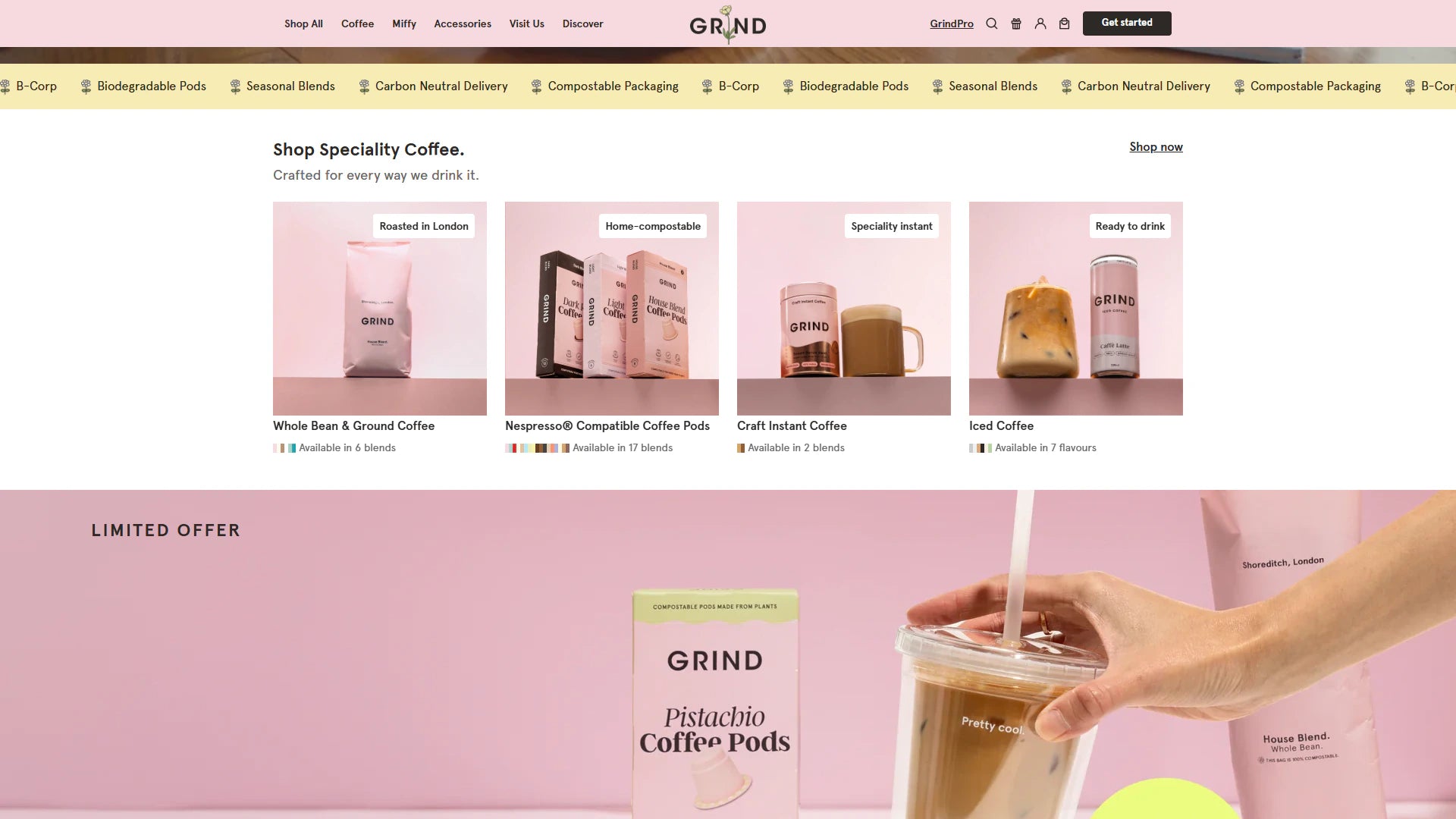
See real storefront views from the selected Shopify projects. Open each case study for the documented scope and more detail.
Review the journey. Repair the cause. Retest the result.
Agree the journeys and test plan
Choose representative templates, product states and app interactions. Record the evaluation criteria, input methods and browser or assistive-technology combinations before testing begins.
Repair and retest shared patterns
Prioritize barriers that block a task or recur across templates. Review each approved repair in a preview, then repeat the affected journey and check that existing functionality still works.
Hand over maintainable improvements
Document resolved findings, open vendor dependencies and content guidelines. Give the publishing team a practical checklist for new images, headings, links and promotional sections.
Authentic project context
Selected Shopify projects and delivery context.
These examples are selected for relevant Shopify work and visual context. They do not imply a numerical result that has not been verified.
Use the commercial structure that fits the uncertainty.
Fixed scope for defined outcomes
Development hours for evolving backlogs
Monthly retainers for continuous roadmaps
White-label delivery for agency partners
Start with an accessibility audit when the barriers are not yet understood. Choose a defined remediation scope for confirmed issues, or use development hours for a changing backlog. Agree the reviewed templates, repair owners and acceptance checks before implementation begins.
An effective review starts with the storefront your customers actually use. Agree the priority journeys, testing scope and responsibilities so the report can become a practical development plan.
Start with the important journeys
Share product and collection URLs, your main navigation, cart behavior and any known customer difficulties. Include representative products with variants, subscriptions or personalization so testing covers real buying decisions.
Agree what can be changed
Identify theme components, merchant-authored content and third-party apps before estimating repairs. Record who owns each change, which environments will be tested and how unresolved vendor issues will be followed up.
Make the improvements last
Keep a reviewed set of headings, link labels, form patterns and image-description examples for your team. Retest key journeys when a theme update, new app or campaign changes the storefront.
The agreed scope can include navigation, search, collection filters, product selection, cart drawers, contact forms and app widgets. We document the templates, interaction states and test environments reviewed so the findings have a clear boundary.
Is an automated scan enough?+
No. A scan can flag some markup and contrast issues, but manual review is needed to judge keyboard behavior, meaningful labels and dynamic interactions. Testing follows complete customer tasks alongside tool findings.
Can you improve our existing Shopify theme?+
Yes. Review comes first, followed by targeted repairs to shared sections and components. A full theme replacement is not the default; useful design, content and merchant controls can remain in place.
Can you fix accessibility issues in third-party apps?+
We first identify which component owns the issue. Theme code and supported app settings may be adjustable, while code controlled by an app vendor may require their involvement. The report records these dependencies and retest responsibilities.
Do you check mobile and keyboard navigation?+
Yes, within the agreed test plan. Checks include narrow-screen reflow, visible focus, menu and dialog operation, product choices, error recovery and cart updates. Screen reader and browser combinations are recorded in the handover.
Can an overlay guarantee accessibility?+
No. Adding a widget does not establish that customers can use the underlying content and interactions. This service focuses on resolving agreed barriers in theme components, content and supported app configurations.
Does this service provide legal certification?+
No. Technical review and remediation do not certify legal compliance or every future store change. The deliverables describe the scope, evidence, repairs and remaining limitations rather than promising a universal compliance badge.
What happens after the accessibility fixes are released?+
Your team receives authoring guidance and a retest checklist. New apps, promotional content and theme changes should be reviewed for regressions. Ongoing support or additional testing can be scoped around your release schedule.
Your project, led by Vivek
Your next chapter starts with a better store.
Tell us where you want to take your Shopify business. Vivek will review your goals and discuss a practical way forward.
Work directly with VivekOne point of contact, from your first message through delivery.
Focus on what your store needsA new build, a better customer experience or systems that work together.
Know the scope before you commitAgree the priorities, deliverables and cost before work begins.
Paid projects, development hours and ongoing support. Scope and cost are agreed before work starts. Explore working options.