Move from WooCommerce to Shopify with a clear plan for products, customers, subscriptions and SEO redirects. Identify what can transfer and what needs rebuilding before you commit to launch.
Plugin behavior and WordPress data need an intentional Shopify replacement.
WooCommerce migration combines a commerce transition with a WordPress content decision. We inventory plugin behavior, custom fields and important URLs, then decide how each requirement should work on Shopify. Subscription and account continuity are treated as explicit workstreams rather than assumed consequences of importing products. A useful sample includes variable products, plugin-created fields and content pages that attract meaningful customer traffic. We establish which information moves, which WordPress features remain outside Shopify and who maintains the combined experience. That prevents a clean-looking storefront from concealing missing content or order-handling requirements.
Who this service is for
WooCommerce merchants moving products and commerce workflows while deciding what should remain in WordPress.
Start with the constraint that matters
List active plugins, product types, subscription setup, important content URLs and any custom WordPress behavior.
Know what moves, what changes and how launch is checked.
Review the decisions, dependencies and deliverables that shape your project.
Move your WooCommerce store into Shopify with a clear plan for products, WordPress content and the plugins that run daily operations. Vivek Codes reviews what should transfer, what needs rebuilding and what can be simplified, then defines the Shopify implementation and launch checks around those decisions.
Transfer the catalog and content you need
We map simple and variable products, SKUs, images, stock, customer details and approved order history. Product categories become a considered Shopify collection and navigation structure. WordPress pages, blog posts and media need their own content review; a product export does not carry the entire website.
We test sample records before the full import and document missing fields, duplicate customers and plugin-specific data. Start with the Shopify migration checklist to define what must be retained and which import approach fits each type of record.
Replace plugins and plan customer access
Your WordPress theme, page-builder layouts and WooCommerce plugins need Shopify equivalents or a rebuild. We review forms, reviews, memberships, product add-ons, discounts, shipping rules and integrations individually. Content containing shortcodes needs cleanup. The guide to choosing a custom Shopify app can help when a standard app does not meet an essential requirement. The selected approach includes ongoing app costs in the estimate.
Customer CSV imports do not transfer passwords. We plan customer sign-in and communication, with passwordless Shopify customer accounts where appropriate. WooCommerce Subscriptions data and saved payment methods need a separate migration plan. The destination app and gateway must support the required Shopify payment migration path; importing a customer record alone does not restart recurring billing.
Plan redirects and the final checkout switch
WordPress permalinks, product categories and blog URLs often change on Shopify. We map valuable old pages to relevant new destinations, implement eligible 301 redirects and check for chains or missing targets. The SEO review covers titles, descriptions, canonical URLs, internal links and sitemap coverage. Redirects support continuity but do not guarantee unchanged rankings.
The source store can remain active during much of the build. Launch planning defines an editing freeze, the final transfer of changed orders, customers and stock, and when each checkout accepts orders. We test payments, refunds, shipping and notifications. Retain a WordPress database and media backup, and agree how new transactions would be reconciled if rollback becomes necessary. A domain switch cannot undo payments.
Receive an implementation your team can run
The agreed handover includes the data map, exception list, Shopify storefront, redirect file, test record, launch instructions and admin walkthrough. A defined support window covers the approved release scope. Pricing and timing depend on plugin dependencies, content cleanup, catalog size, historical orders, integrations and redesign requirements. Share your store URL, plugin list and target date for an estimate based on the actual work.
Separate commerce dependencies from editorial features and identify custom fields used in customer journeys.
Catalog and customer mapping
Define supported imports, variant relationships and account communication requirements.
Shopify workflow rebuild
Replace required plugin behavior with appropriate native features, apps or scoped custom work.
Content and cutover checks
Review redirects, retained editorial content, changed tracking and final order or stock updates before launch.
Decisions before development
Inventory plugin behavior as well as WooCommerce records.
A practical planning example
A WooCommerce store may rely on plugins for personalization, subscriptions or pricing. A standard product export can omit the behavior and additional data those plugins supply.
Inventory the plugins behind a personalized or recurring product and record which fields they add to orders. Rehearse that product alongside a simple item to separate standard import work from replacement functionality. Verify the agreed customer and order data, and review old links used by search or campaigns. Document unsupported behavior and the merchant-approved alternative before the cutover.
Illustrative scenario for scoping the work, not a reported client result.
List active plugin responsibilities, custom fields and permalink patterns. Choose a supported destination for each required workflow, and specify customer, order and subscription transfer limits during discovery.
What to verify
Compare variable products, tax and delivery presentation, image assignments and old URL redirects. Rehearse how existing customers access accounts and manage ongoing purchases after the move.
What to receive at handover
Keep mappings for WooCommerce products, variations and selected historical records. Record which plugin features were replaced or retired, and provide URL redirect checks and catalog maintenance guidance for the team moving into Shopify.
Shopify storefront context
Explore the storefront experience behind the work.
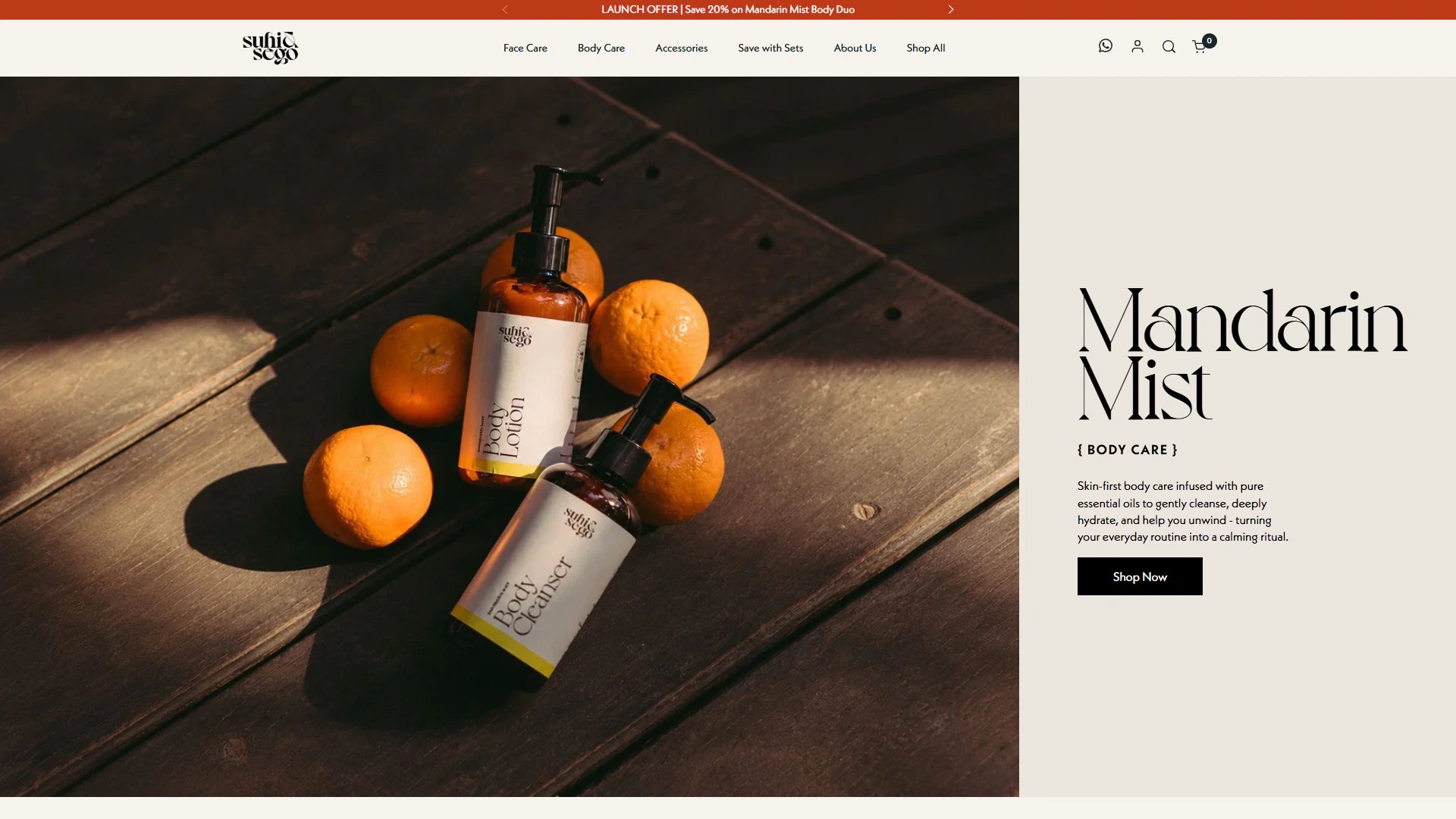
See real storefront views from the selected Shopify projects. Open each case study for the documented scope and more detail.
Get clarity on scope, cost, ownership and the way we work. Your store, its existing systems and the outcome you need shape the recommendation.
Start with your priorities
Share your Shopify store URL, the main problem to solve, your budget range and any launch date. Include the customer journeys that need attention, the apps you rely on and the tasks your team wants to manage more easily. These details help define a useful development brief.
Know what is included
Your proposal sets out the deliverables, responsibilities, review milestones and commercial terms before development starts. Confirm which theme templates, integrations and content updates are included, along with testing and handover. Shopify subscriptions, paid apps and ongoing support should be identified separately so you can compare the full project cost.
Plan beyond the launch
Agree who owns everyday editing, technical maintenance and future releases. Handover notes explain the delivered controls, outstanding dependencies and the support included in your scope.
Products, variants, SKUs, images, customer details, approved order history and selected WordPress content can be assessed for migration. Categories need mapping to Shopify collections and navigation. Plugin-specific fields and shortcodes need separate review; a WooCommerce product CSV is not a complete website backup.
Can I keep my WordPress theme and WooCommerce plugins?+
Their functionality needs Shopify equivalents or custom implementation. We review page-builder layouts, memberships, product add-ons, reviews, forms, shipping rules and integrations before selecting replacements. The estimate identifies theme work, app dependencies and recurring app costs so you can assess the ongoing setup.
Do WooCommerce customer passwords transfer to Shopify?+
No, the customer CSV import does not transfer existing passwords. We plan the account experience before launch. Passwordless Shopify customer accounts let customers use an email verification code; if a password-based setup is chosen, customer activation is handled separately from importing profiles.
Will WooCommerce Subscriptions continue billing after migration?+
Only after a supported subscription and payment migration is configured and checked. Moving customer or order records does not transfer the billing setup. The chosen Shopify app and gateway determine eligibility, and some payment methods may need customers to update their details.
What happens to WordPress permalinks and product URLs?+
We inventory valuable existing URLs and map changed paths to the closest equivalent Shopify page. Eligible 301 redirects are checked for working destinations and avoidable chains. Titles, descriptions, internal links, canonical URLs and sitemap coverage are reviewed as part of the agreed SEO scope. Search rankings can change.
Will my store need to pause orders during the move?+
WooCommerce can usually keep trading while Shopify is built. A planned cutover defines any pause, final data sync and the checkout switch. We agree on backups and rollback criteria, including how to reconcile new transactions. The schedule depends on the import method, integrations and operating requirements.
What affects WooCommerce migration pricing and what do I receive?+
Plugin dependencies, WordPress content cleanup, product variations, historical orders, integrations and redesign work affect the estimate. The agreed handover includes data mapping and exceptions, the implemented storefront, redirects, test results and launch instructions. Admin handover and the support period are defined in the scope before work begins.
Must the WordPress blog move with the shop?+
Not necessarily. Keeping or moving editorial content is a separate architecture decision with URL, navigation and operating implications. The migration scope should state the intended destination for important content.
Your project, led by Vivek
Your next chapter starts with a better store.
Tell us where you want to take your Shopify business. Vivek will review your goals and discuss a practical way forward.
Work directly with VivekOne point of contact, from your first message through delivery.
Focus on what your store needsA new build, a better customer experience or systems that work together.
Know the scope before you commitAgree the priorities, deliverables and cost before work begins.
Paid projects, development hours and ongoing support. Scope and cost are agreed before work starts. Explore working options.