



Checkout rule specification
Separate information customers need to see from the business logic Shopify must enforce.
Move checkout rules into supported Shopify extension surfaces that remain testable and upgrade-safe.
Some checkout projects need coordinated UI and logic: explain a purchase requirement, collect supported information and enforce the appropriate cart rule. We map those responsibilities separately, then test them together. The scope follows Shopify-supported targets rather than unrestricted checkout editing. For a restricted offer, the shopper may need an explanation while the transaction needs an enforceable eligibility rule. We specify both the accepted and rejected scenarios, including changed quantities and conflicting promotions. That makes it possible to review customer messaging and commerce logic against the same brief.
Separate information customers need to see from the business logic Shopify must enforce.
Map each requirement to an available UI extension or Function, including app distribution and plan dependencies.
Connect approved checkout messaging with the underlying validation, discount or delivery behavior.
Record normal and exceptional cart states, merchant configuration and the checks needed after rule changes.
A purchase restriction may need both a checkout message and a server-side rule. The message explains what a customer can change; the rule determines whether the supported transaction is allowed.
Write business examples before implementation, including the boundary where a rule should stop applying. For a purchase restriction, identify the relevant customer or cart condition and the message customers need when the order cannot proceed.
Test the restriction just below, exactly at and above its threshold. Include a customer or product that should be exempt and a cart changed after the first evaluation. Keep the explanatory message consistent with the rule’s actual result, and record the supported environment and deployment procedure needed to reproduce the decision during support.
Illustrative scenario for scoping the work, not a reported client result.See real storefront views from the selected Shopify projects. Open each case study for the documented scope and more detail.

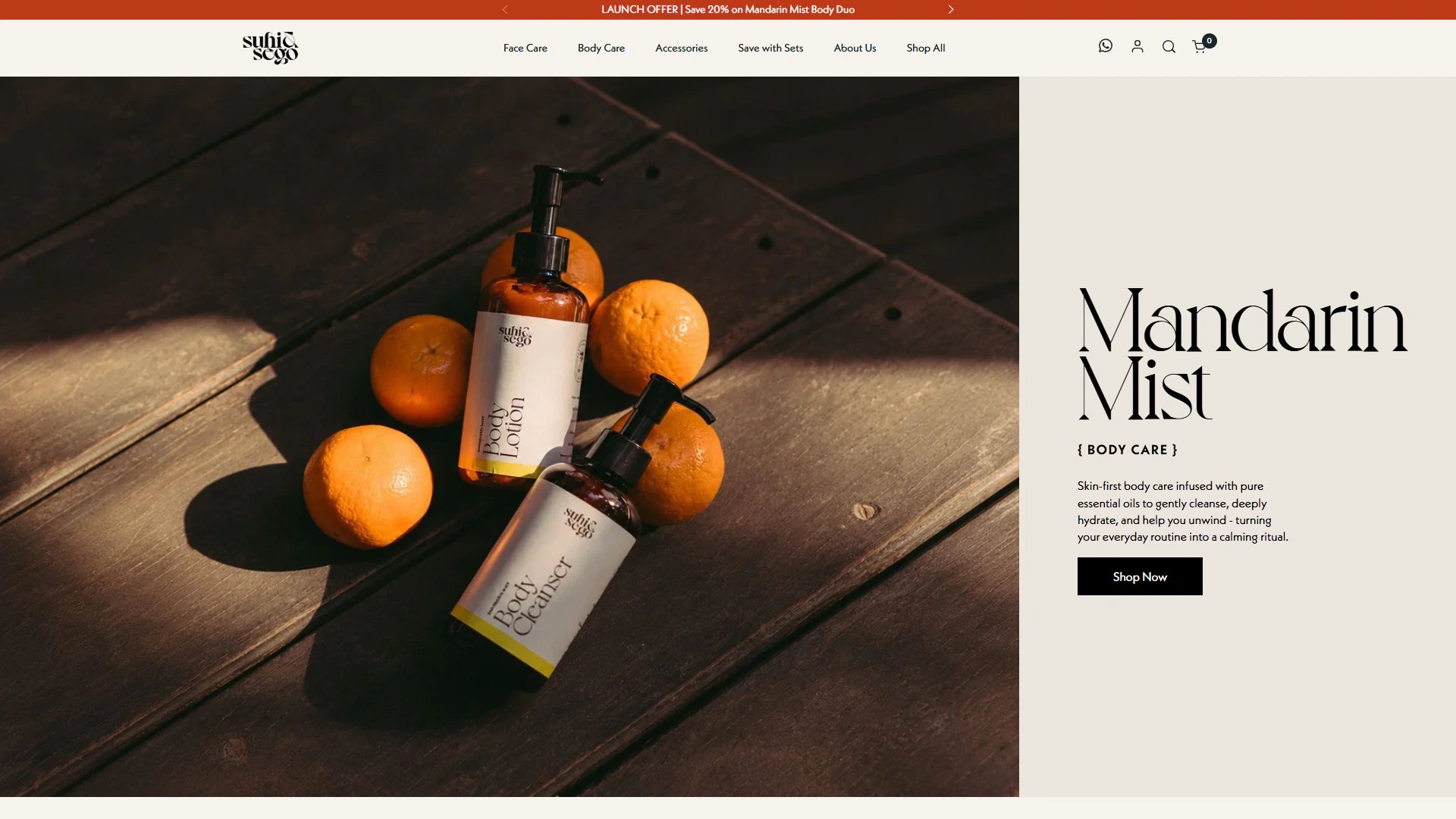
Verified Shopify Plus project imagery showing the storefront in its real brand setting.
View project
Fashion storefront presentation relevant to advanced merchandising and international commerce decisions.
View project
Clarify the customer explanation and the actual enforcement separately.
Review discount combinations, changed quantities and alternate checkout journeys relevant to the rule.
Document configuration, exclusions and what requires a developer release.
These examples are selected for relevant Shopify work and visual context. They do not imply a numerical result that has not been verified.
“Another Shopify Plus project successfully done by Vivek. He always solves the issues quickly and without unnecessary revisions.”
Shopify Plus issue resolution / Upwork
Read verified reviewsVivek Gupta offers Shopify checkout extensibility, Checkout UI extensions and Shopify Functions development. His Upwork profile provides a separate place to review client feedback and discuss a checkout brief before agreeing to an engagement.
View Vivek Gupta's Upwork profileDescribe the checkout step or business rule, your Shopify plan and a concrete example of the expected behavior. Extensions, discounts, validation and payment or delivery customizations need different implementation scopes.
Use Upwork for current platform badges, work history and client feedback. Ask about comparable work and who will deliver your project; a portfolio example does not mean every project has the same scope or outcome.
About Vivek and the delivery modelThis engagement combines an interface requirement with backend commerce logic. Checkout extensibility focuses on supported customer-facing surfaces; a Function can apply a business rule without adding a visual component.
It should not be the only enforcement for a critical rule. The scope identifies a supported server-side capability where available and explains requirements that Shopify cannot enforce as requested.
Availability depends on the app distribution and store plan. Public apps with Functions and custom apps with Functions have different plan rules, so this is checked before proposing a bespoke implementation.
Provide examples of orders that should pass and orders that should be rejected or adjusted. Include customer eligibility, products, quantities and interactions with existing promotions. We then confirm the supported interface and backend capabilities needed to produce the intended outcome.
Testing is planned around the available preview and test environment for the selected extension. It covers positive and negative cases, relevant customer states and existing apps. The release checklist identifies any checks that require controlled production verification and who can approve them.
Handover identifies the supported settings, rule inputs and app dependencies. Include sample scenarios for validating a promotion or eligibility change, along with a record of who can release code. Changes to commercial rules should be reviewed as carefully as changes to the visible interface.
Tell us where you want to take your Shopify business. Vivek will review your goals and discuss a practical way forward.
Paid projects, development hours and ongoing support. Scope and cost are agreed before work starts. Explore working options.