



Automation candidate review
Separate deterministic tasks from decisions that still need a staff member or external system.
Reduce repetitive operational work with Shopify Flow automations that remain understandable and recoverable.
Shopify Flow is useful when a repetitive task has a clear trigger and predictable outcome. The first step is to expose the exceptions that staff handle informally. We turn the agreed rule into a workflow with visible ownership and a documented route for failures or ambiguous records. For example, a tagging workflow should distinguish an eligible order from a cancelled, edited or already processed one. Staff need to understand why it ran and how to recover when an external action fails. We document those decisions with sample records so later rule changes can be reviewed safely.
Separate deterministic tasks from decisions that still need a staff member or external system.
Define trigger data, conditions, actions and exclusions before activating the automation.
Build the approved workflow using available actions and connections, with understandable names and ownership.
Document failed-run investigation, safe changes and the situations that should return to a human review queue.
An order-routing workflow might react to a new order, check a defined product condition and assign an operational tag. The brief must explain what happens when the required data is missing or the workflow runs again.
Use an eligible order, an ineligible order and an order missing the required field to test the routing rule. Decide whether repeating the workflow should add anything new or leave the existing result unchanged. Record the tag or action’s meaning for staff, and define how they find and recover orders that could not be processed automatically.
Illustrative scenario for scoping the work, not a reported client result.See real storefront views from the selected Shopify projects. Open each case study for the documented scope and more detail.

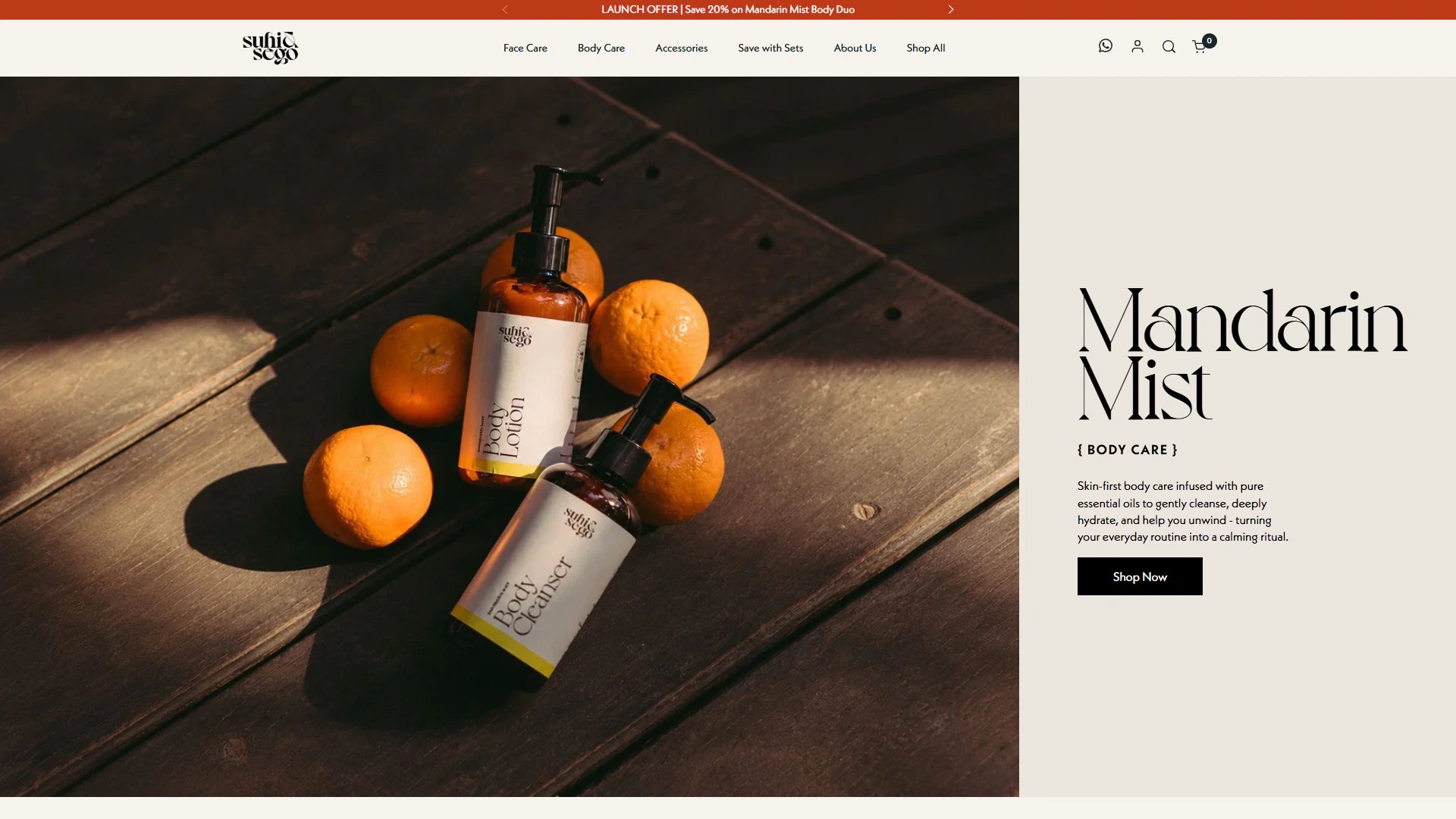
Verified Shopify Plus project imagery showing the storefront in its real brand setting.
View project
Fashion storefront presentation relevant to advanced merchandising and international commerce decisions.
View project
Write down what staff check before performing the action today.
Use representative records to verify that the workflow acts only where intended.
Make monitoring and updates part of normal operations rather than an undocumented background task.
These examples are selected for relevant Shopify work and visual context. They do not imply a numerical result that has not been verified.
“Another Shopify Plus project successfully done by Vivek. He always solves the issues quickly and without unnecessary revisions.”
Shopify Plus issue resolution / Upwork
Read verified reviewsIt can cover supported events and actions, but complex transformation, external state or recovery requirements may need an app or integration service. The workflow is assessed before choosing the tool.
The scope defines eligibility and exclusion rules with representative examples. Testing includes records that must not trigger the action, not only the intended happy path.
Handover documents the condition and action owners, sample tests and any external dependencies. A changed rule should be checked against those examples before activation.
Good candidates have a recognizable event, clear conditions and an action supported by the chosen tools. Examples to assess include record tagging, internal notifications and routing tasks for review. Tasks that depend on judgment, unsupported data or complex recovery may need a different implementation.
Handover can include understandable naming, a description of each condition and sample records for checking changes. We identify the settings staff can update and the external dependencies that need technical support. A named owner should review workflows when the business process changes.
The specification defines what counts as already processed and how repeated or related events should behave. We test those scenarios using the available trigger and action data. Where the workflow cannot reliably identify a repeat, a different implementation or a review step may be needed.
Tell us where you want to take your Shopify business. Vivek will review your goals and discuss a practical way forward.
Paid projects, development hours and ongoing support. Scope and cost are agreed before work starts. Explore working options.