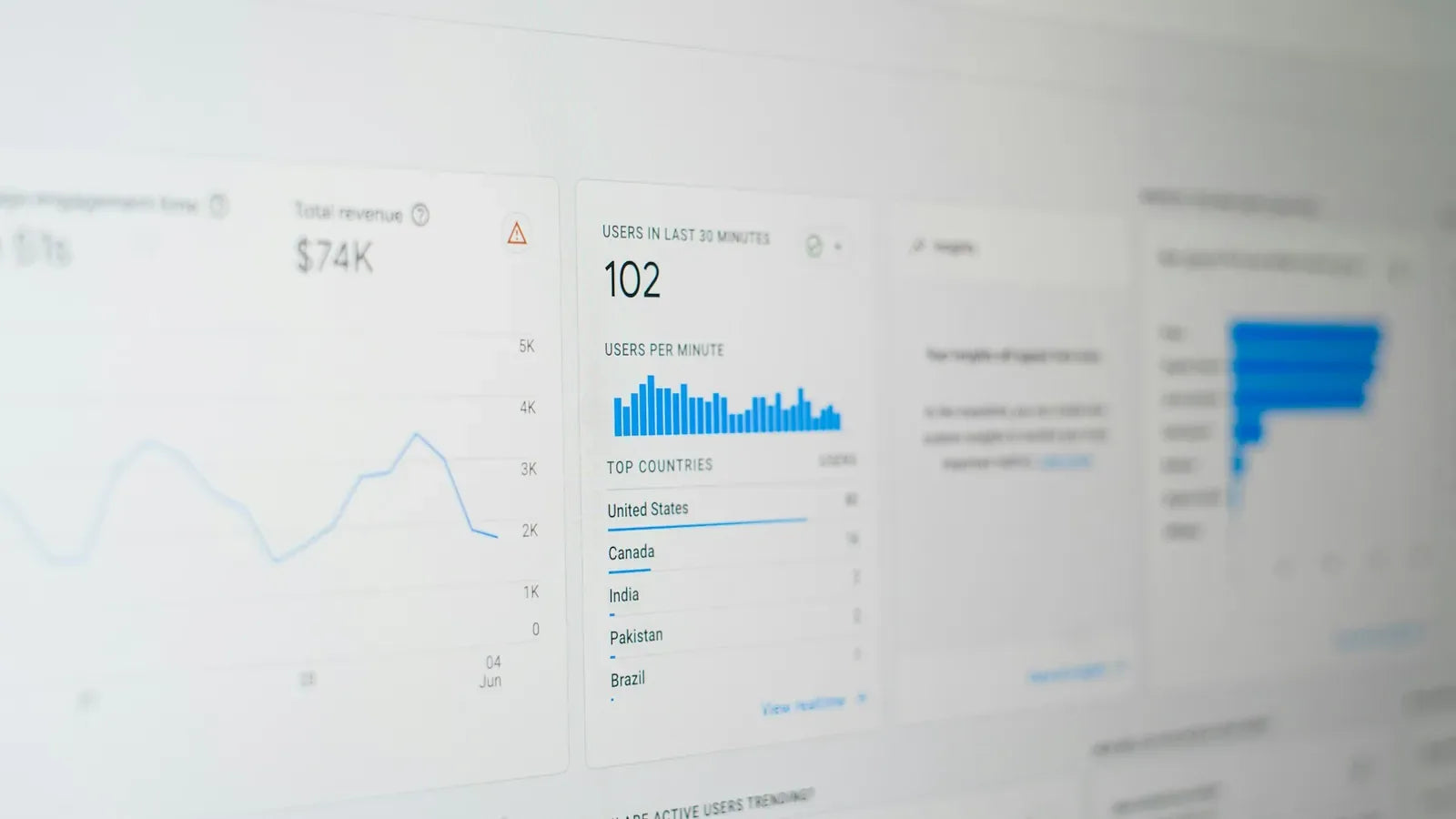
Measure the homepage, collection, product and cart separately because their images, apps and Liquid work create different bottlenecks.
Prioritize the largest first-view image, blocking CSS, font discovery and third-party scripts, then remeasure field and lab data after each release.
Content and platform references reviewed on .
Start with a template and device baseline
Measure representative home, collection and product pages with their real content and installed apps. Record the test conditions so comparisons mean something. Field data describes visitor experience over time; a laboratory test helps isolate causes. Use both when available, and avoid interpreting one fast run as a complete mobile-speed result.
Find what delays the main content
Identify the element that becomes the largest visible content and inspect when the browser discovers it. The main image should have appropriate dimensions and should not be deferred like an offscreen image. Check whether CSS, font loading, redirects or a slow server response delay its presentation before changing image quality indiscriminately.
Review interaction work separately from loading
Open the menu, filter a collection, change a variant and update the cart while recording browser activity. Scripts can interfere after the page appears loaded. Inventory app and tracking code by business purpose, then remove or narrow unnecessary execution with the owner’s agreement. Do not disable essential functionality merely to improve a score.
Keep a regression record
For each change, save the affected URL, metric, test conditions and functional checks. Compare layout stability, image quality and shopping behaviour as well as load timing. Add the expensive templates and interactions to the release checklist so a new campaign or app does not quietly restore the original bottleneck.
Checks for this implementation
- Load the first-view image promptly and reserve its layout space.
- Check heavy scripts against a current business requirement.
- Remeasure the same templates and device conditions after the release.
Common mistake to avoid
Chasing one synthetic score can hide regressions on slower devices or templates outside the tested URL.
A useful performance programme makes the main journey consistently responsive while preserving merchandising and accessibility.
Platform references
Continue with Shopify performance optimization, or discuss the requirements for your store.