Test navigation, search, product selection, cart and forms with keyboard, zoom and common assistive technology behaviors.
Fix semantic structure, focus order, labels, contrast, motion and dynamic announcements at the component level.
Content and platform references reviewed on .
Audit a complete shopping task
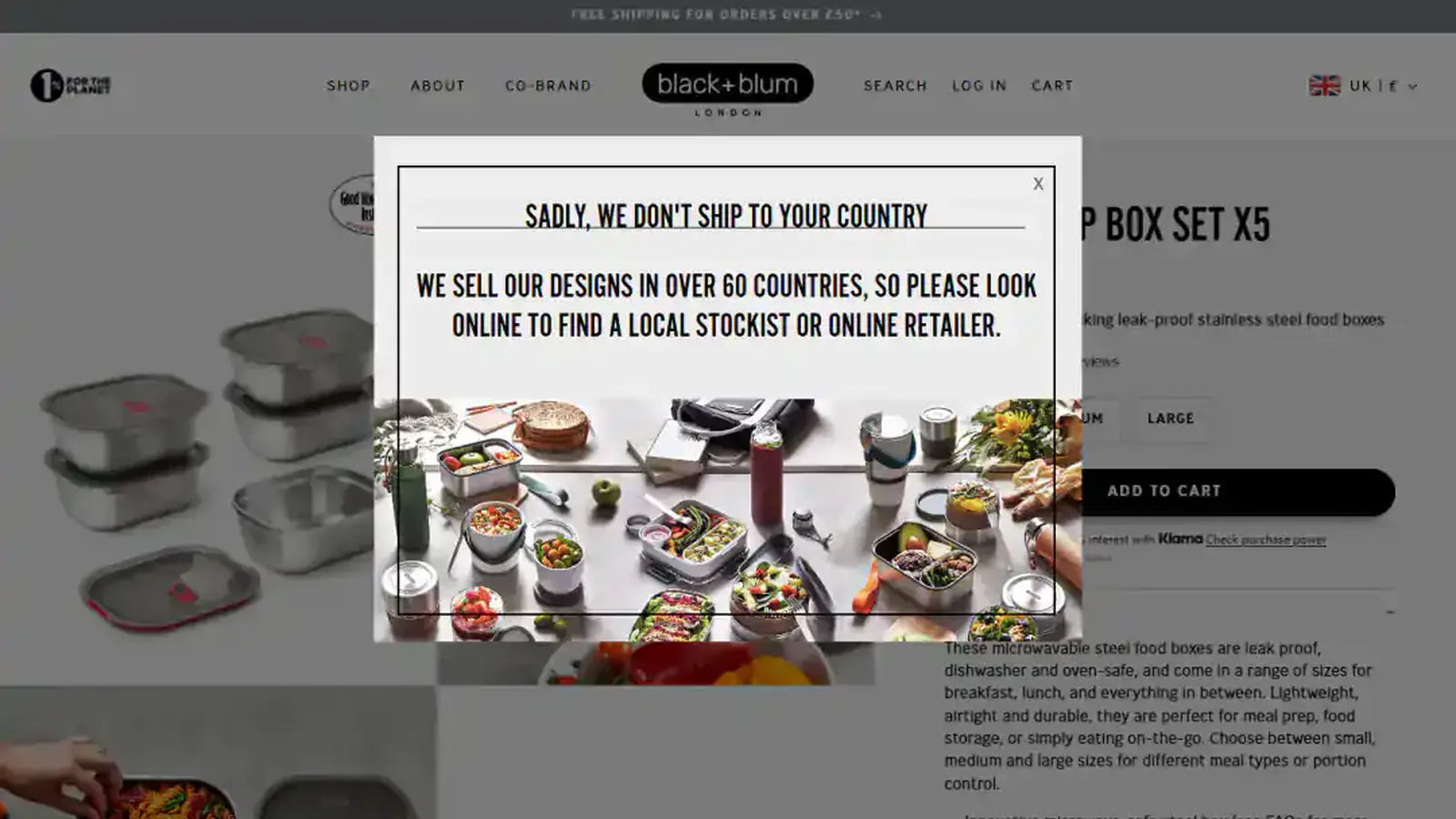
Start at navigation, find a product, select its options, add it to cart and review the next step. Use a keyboard and inspect focus throughout. A page can pass an automated scan while a drawer traps focus incorrectly or a product selector fails to explain an unavailable choice.
Fix the component that repeats
Group issues by navigation, dialogs, forms, product controls and other reusable patterns. Correct labels, semantic elements and visible focus in the owning component so the improvement reaches every page using it. Check error feedback and dynamic cart updates rather than limiting the work to static text contrast.
Review visual changes and merchant content
Test zoom, small screens, long headings and reduced-motion preferences. Ensure information is not conveyed by colour alone and that images have useful alternatives where needed. Give merchants guidance on heading order, link wording and product-media descriptions so newly published content remains usable.
Use scanning as one source of evidence
Combine automated checks with manual keyboard and assistive-technology review appropriate to the scope. Record the journey tested, the issue, the fix and what remains unresolved. An overlay or a clean scanner report does not demonstrate that an inaccessible app interface or custom interaction has been repaired.
Checks for this implementation
- Verify focus enters and exits menus, drawers and dialogs predictably.
- Keep form labels and errors associated with the correct controls.
- Retest shared components with real content and zoomed layouts.
Common mistake to avoid
Overlay widgets cannot repair inaccessible templates, app interfaces or confusing task flows underneath them.
The outcome is a more usable storefront that remains accessible as merchants create new pages and products.
Platform references
Continue with Store design and development, or discuss the requirements for your store.