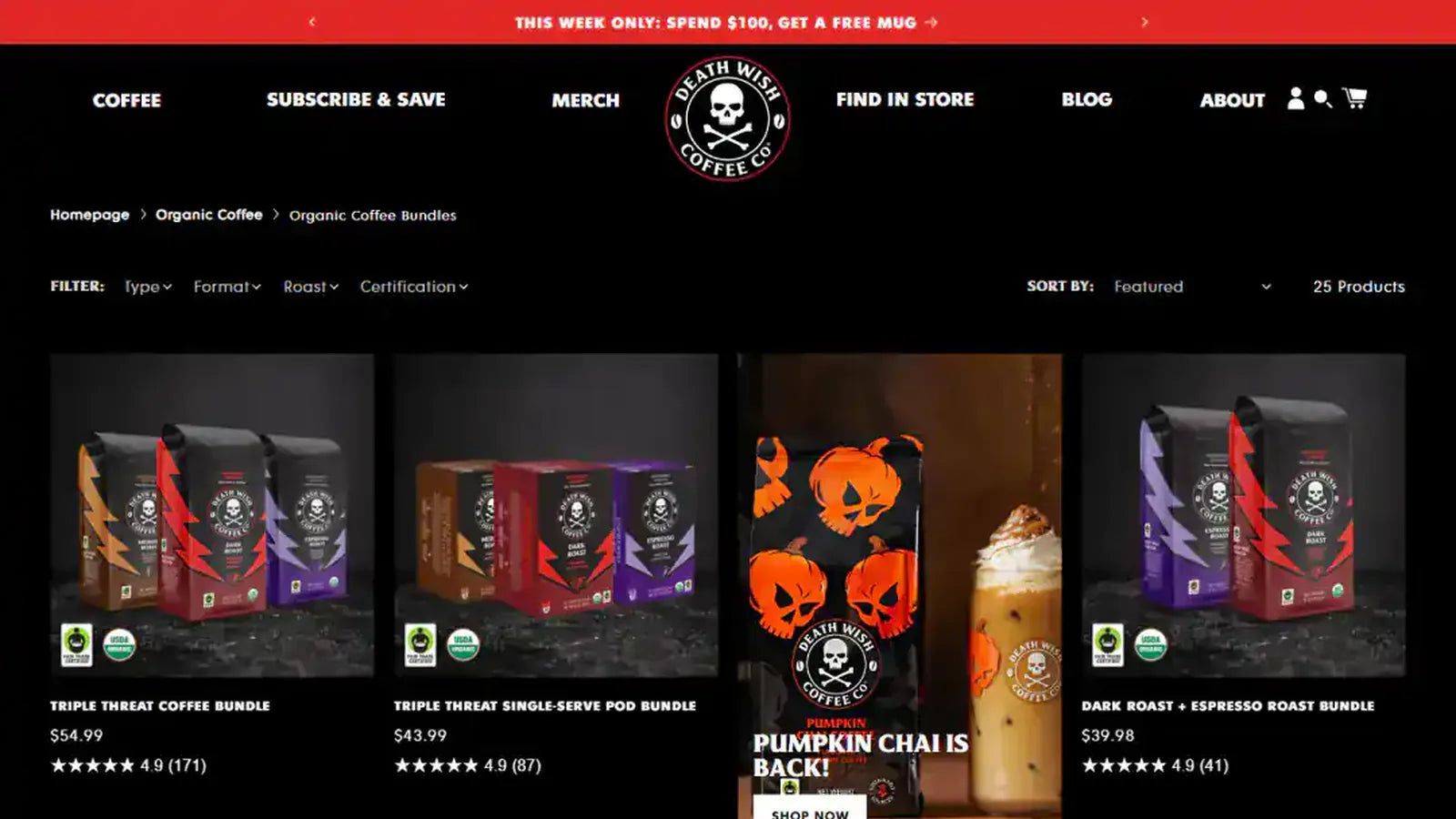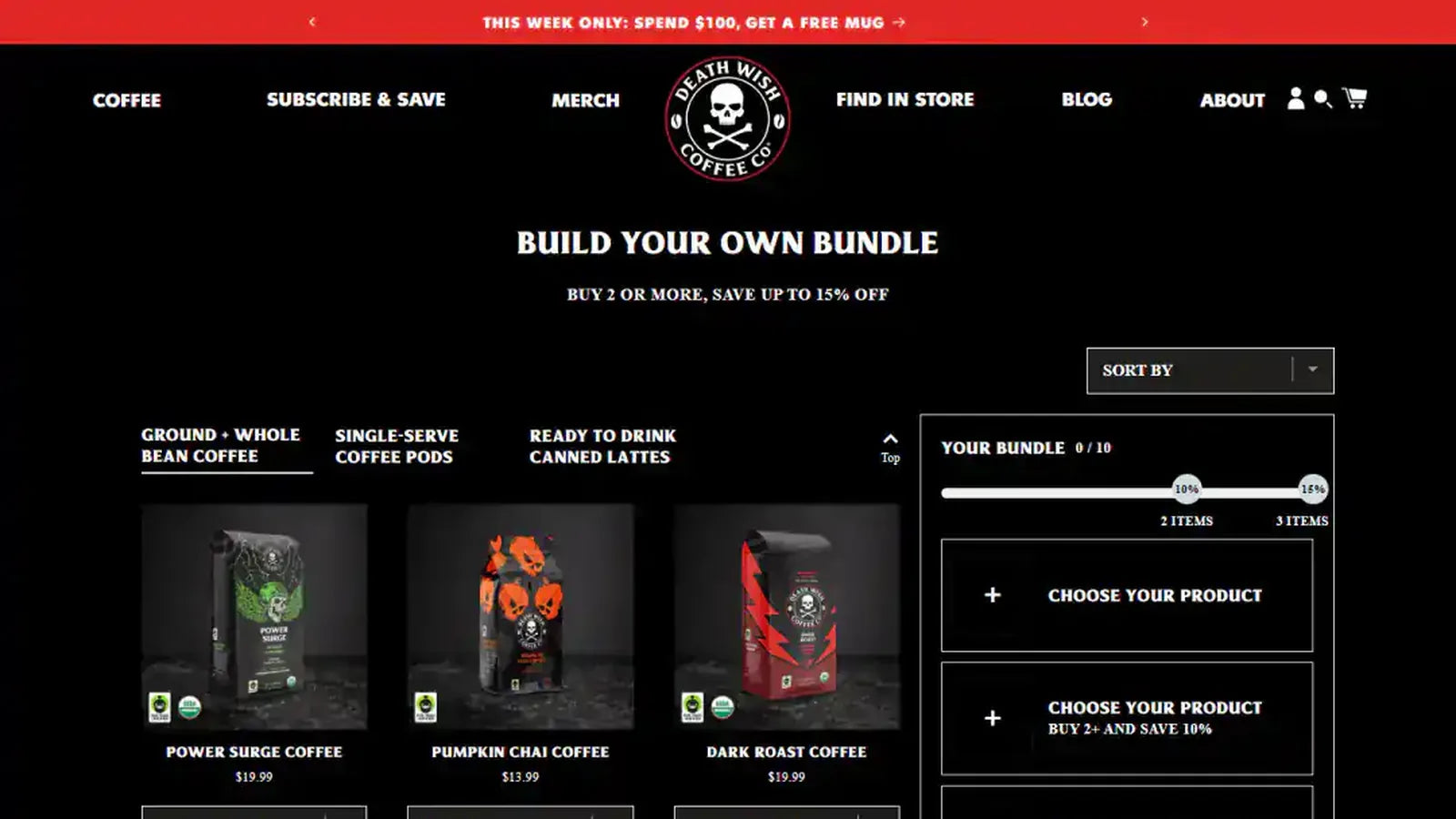
Define whether components, parent products or both hold inventory and how refunds, subscriptions and reporting should behave.
Test discount eligibility, availability changes, mixed carts, order exports and partial fulfillment before promoting the offer.
Content and platform references reviewed on .
Decide what is actually stocked
A prepacked multipack, a fixed set assembled from separate items and a customer-selected box have different inventory needs. Record whether operations pick a parent SKU or individual components. Choose the bundle model from that reality, including returns and replenishment, before selecting the visual picker.
Confirm purchase-option compatibility
Shopify’s bundle documentation lists restrictions, including incompatibility with purchase options such as subscriptions. Do not assume a bundle app and a subscription app combine simply because both work separately. If recurring sets are essential, establish a supported architecture and test how renewal orders represent the contents.
Check discounts against the components
Describe which items qualify for a promotion and whether savings are fixed, percentage-based or conditional. Test a mixed basket, a quantity change and a removed component. Make the customer summary and downstream reporting understandable when discounts are allocated across more than one line.
Verify fulfillment and partial changes
Inspect the order sent to the warehouse, including component quantities, instructions and identifiers. Test an unavailable component, split fulfillment and a partial return with the chosen platform capabilities. Give support a clear explanation of what can be edited without invalidating the original bundle price or contents.
Checks for this implementation
- Reconcile parent and component stock before promoting the offer.
- Test discounts, subscriptions and sales-channel eligibility explicitly.
- Validate the actual warehouse export and customer order summary.
Common mistake to avoid
Ignoring downstream line-item needs can make attractive storefront bundles expensive to fulfill and reconcile.
A dependable bundle increases merchandising flexibility without creating ambiguity for warehouse or support teams.
Platform references
Continue with Bundle builder development, or discuss the requirements for your store.